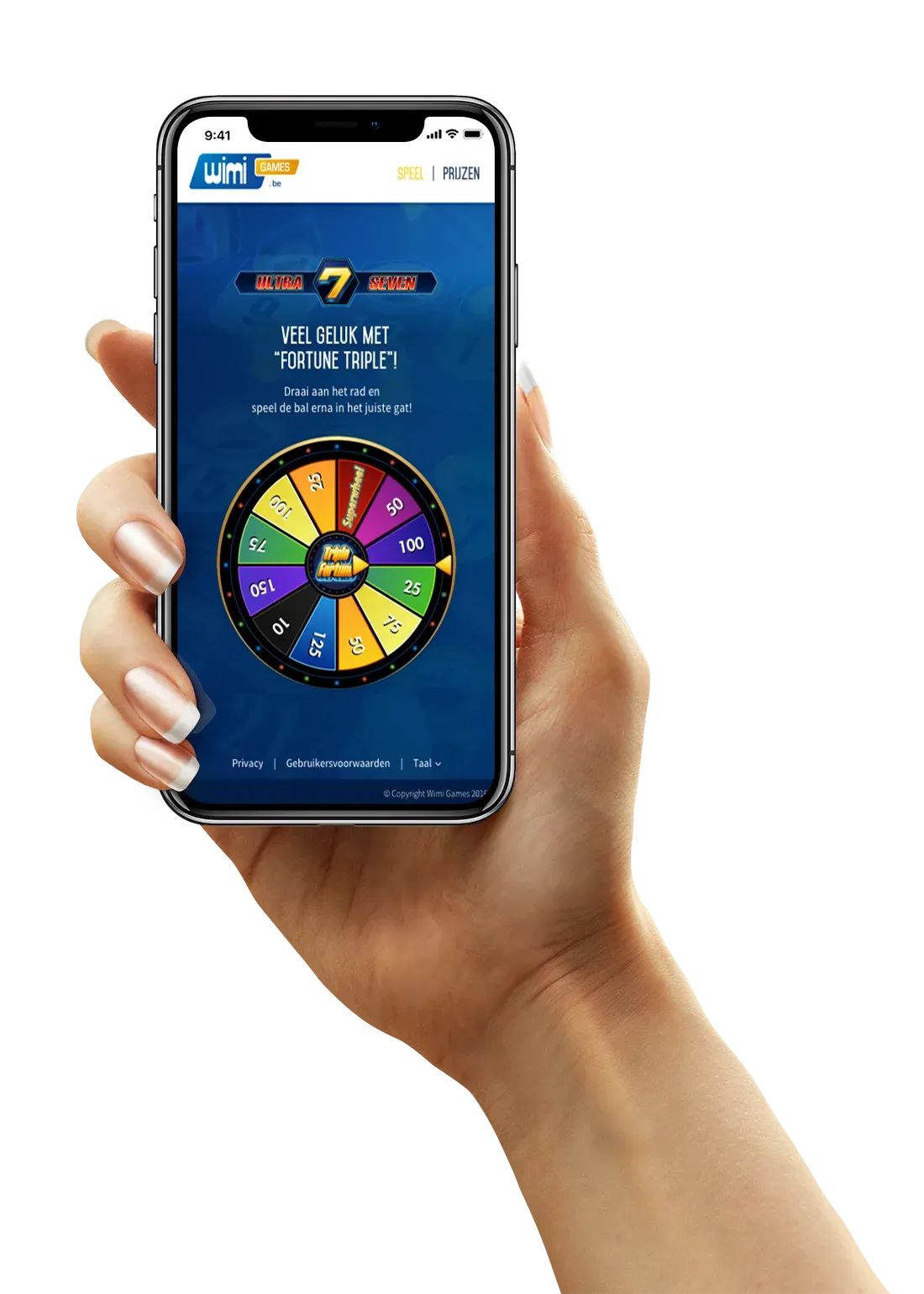
The challenge.
The campaign needed a playable mobile web experience within three months. The game had to feel innovative without becoming difficult to learn or discouraging participation. We needed to balance a distinctive interaction, prize participation and onboarding with the practical constraints of a short delivery window.
The key decision.
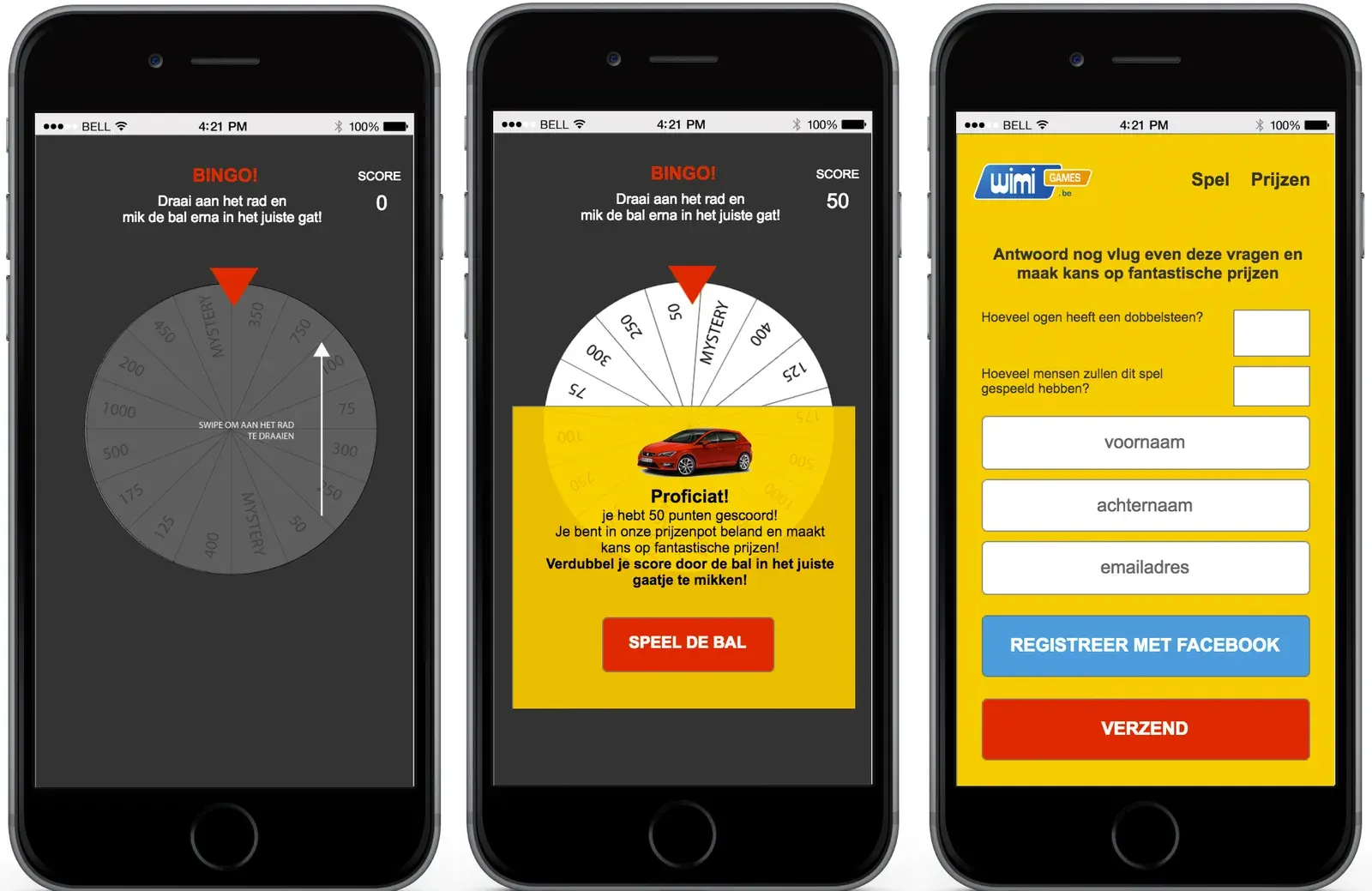
We explored several concepts through prototypes and testing before choosing a simple interaction in which the phone itself became the controller. Players moved their device to steer the ball. Repeated testing helped us refine the physics and the response to movement until we had a working prototype to develop into the web experience.
The rejected option & why.
We moved away from concepts that required more explanation or introduced unnecessary complexity. Instead of adding layers of controls and rules, we focused on one direct physical interaction that players could understand quickly.
The outcome.
Iterative testing produced a working prototype that we developed into a web game. My role connected concept and brand design with UX, technical analysis and delivery, coordinating the Unity developers, web developer and client-side product owner around the same interaction.
The final verdict.
The key was making an unfamiliar control feel immediately understandable. Prototyping let us evaluate the feel of the game early, while close coordination between design and development kept the concept grounded in what we could deliver for the campaign.
Technical context
A feasible approach in 2020 was to prototype the ball with Unity’s rigid-body physics and colliders, mapping device tilt to a force on the ball. A browser implementation could read orientation events in JavaScript and pass them to a Unity WebGL build, or reproduce the tested interaction in a lighter web implementation. On iOS, enabling motion access required a player interaction and permission. Unity did not officially support mobile WebGL at the time, so browser performance and compatibility needed to be tested on real devices. This describes a period-appropriate approach rather than a verified record of the project’s exact implementation.
Sources: Unity 2020.3 browser scripting, Unity 2020.3 browser compatibility, WebKit’s 2019 motion-permission guidance.