The challenge.
Masonry is a precise, hands-on craft. Students needed to concentrate on their work rather than continuously attend to a device. They might put the tablet down for ten minutes or more before picking it up to view the next instruction, from mixing mortar to laying bricks. The app had to fit that rhythm without losing their place.
The key decision.
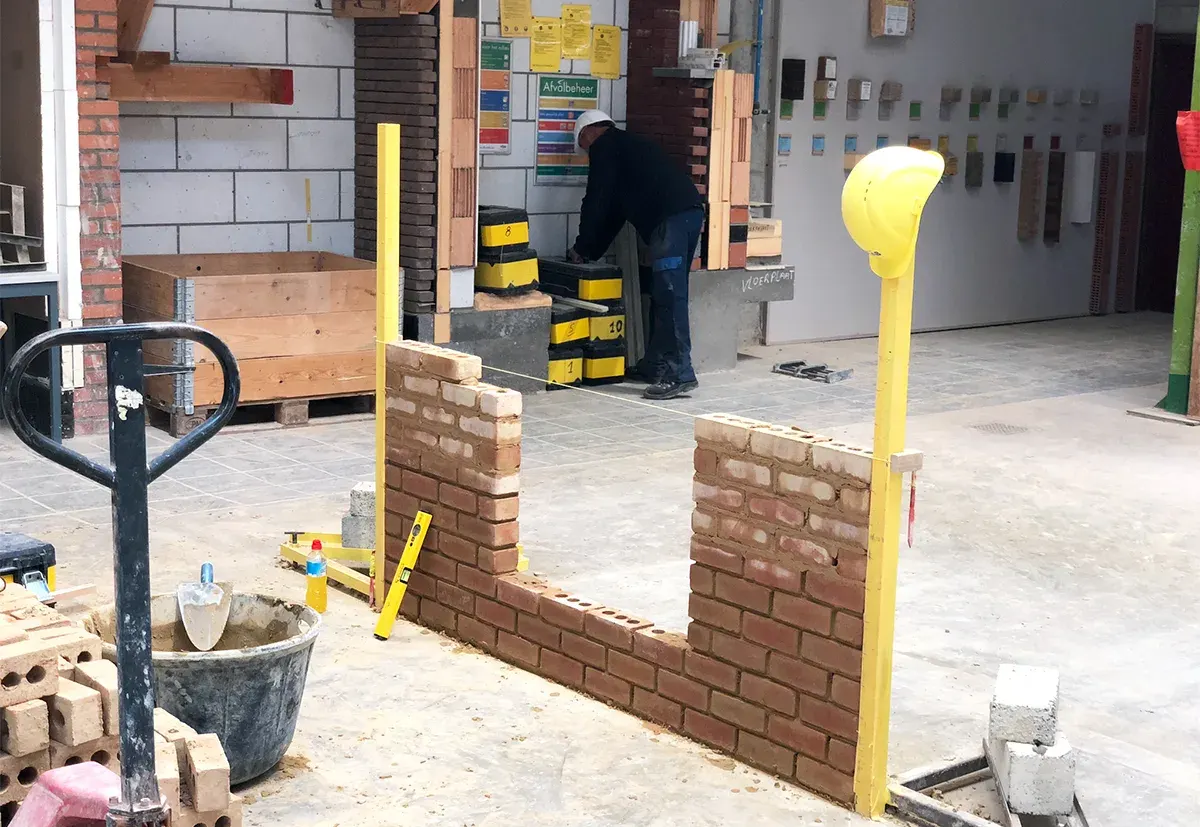
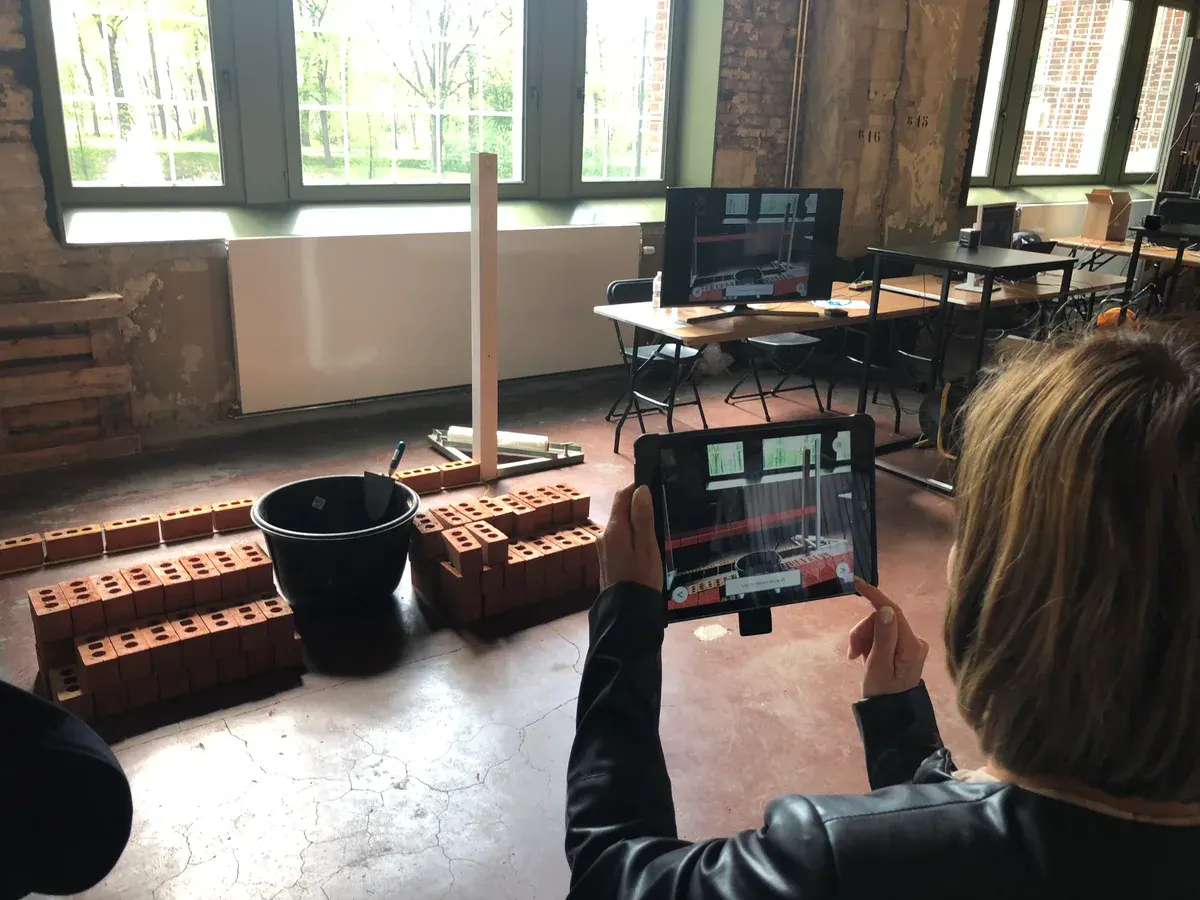
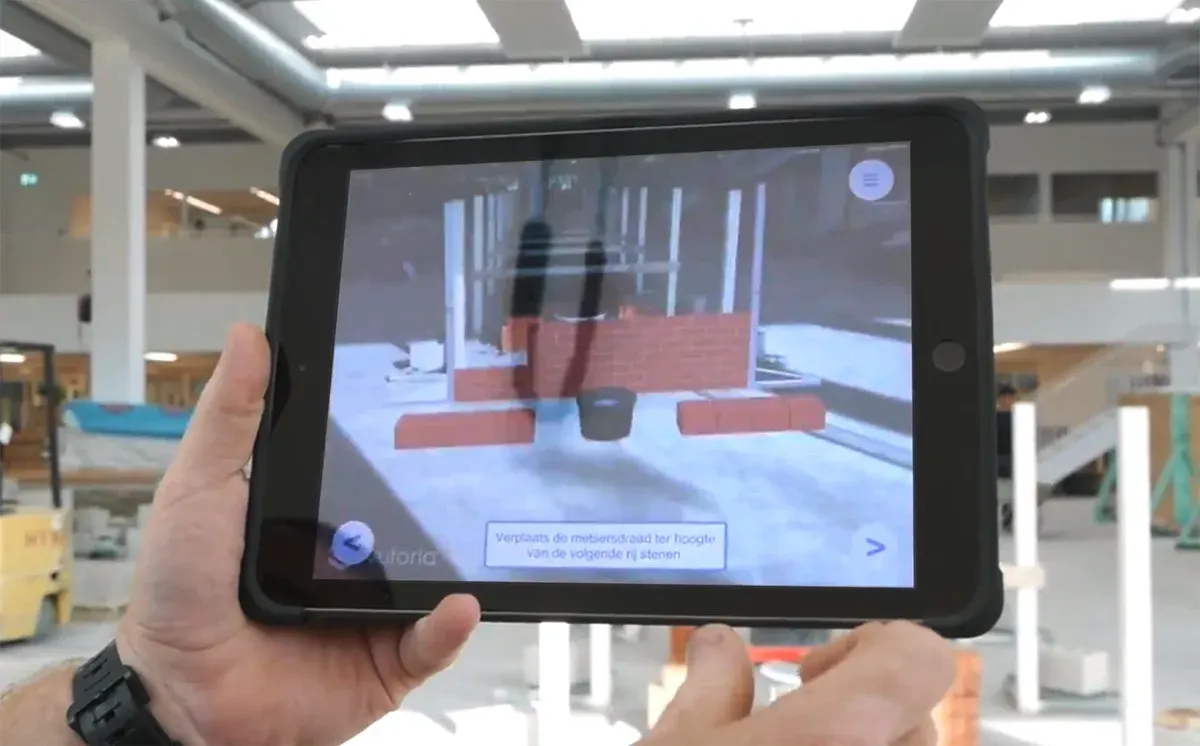
We made the tablet an on-demand guide rather than a continuous display. The Unity app retained the current lesson and step locally, so it could resume at the last instruction after a pause. Students could pick it up, see the next action visualised over the practice wall, and put it down again to work.
The rejected option & why.
A head-mounted display such as HoloLens was an available option, but we chose not to keep technology in the student’s field of view throughout the task. A tablet could be set aside between instructions, leaving the student free to focus on the physical work.
The outcome.
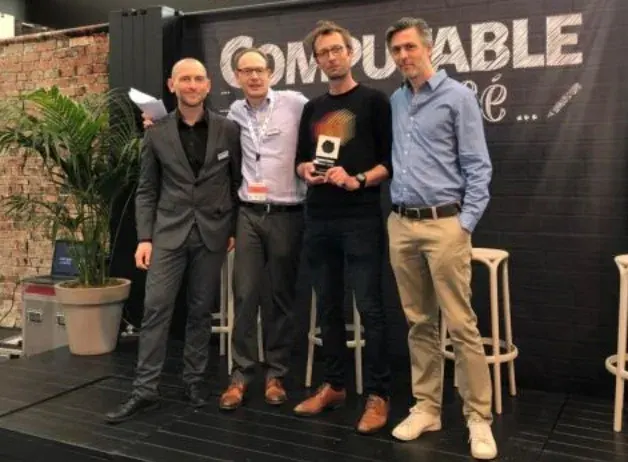
The pilot ran for several months in two VDAB training centres and was well received. VDAB subsequently rolled it out to additional training centres across Flanders. The AR Instruction Overlay project by VDAB, RMDY and Odisee received Computable’s Best ICT Project award in 2019.
The final verdict.
The important decision was when the technology should step back. The experience needed to remain ready while the student worked, not demand constant attention. As Creative Team manager at RMDY, I translated the concept into the UI, directed and supported the Unity developers, and coordinated the work with VDAB from stakeholder discussions through implementation.